
Sales team
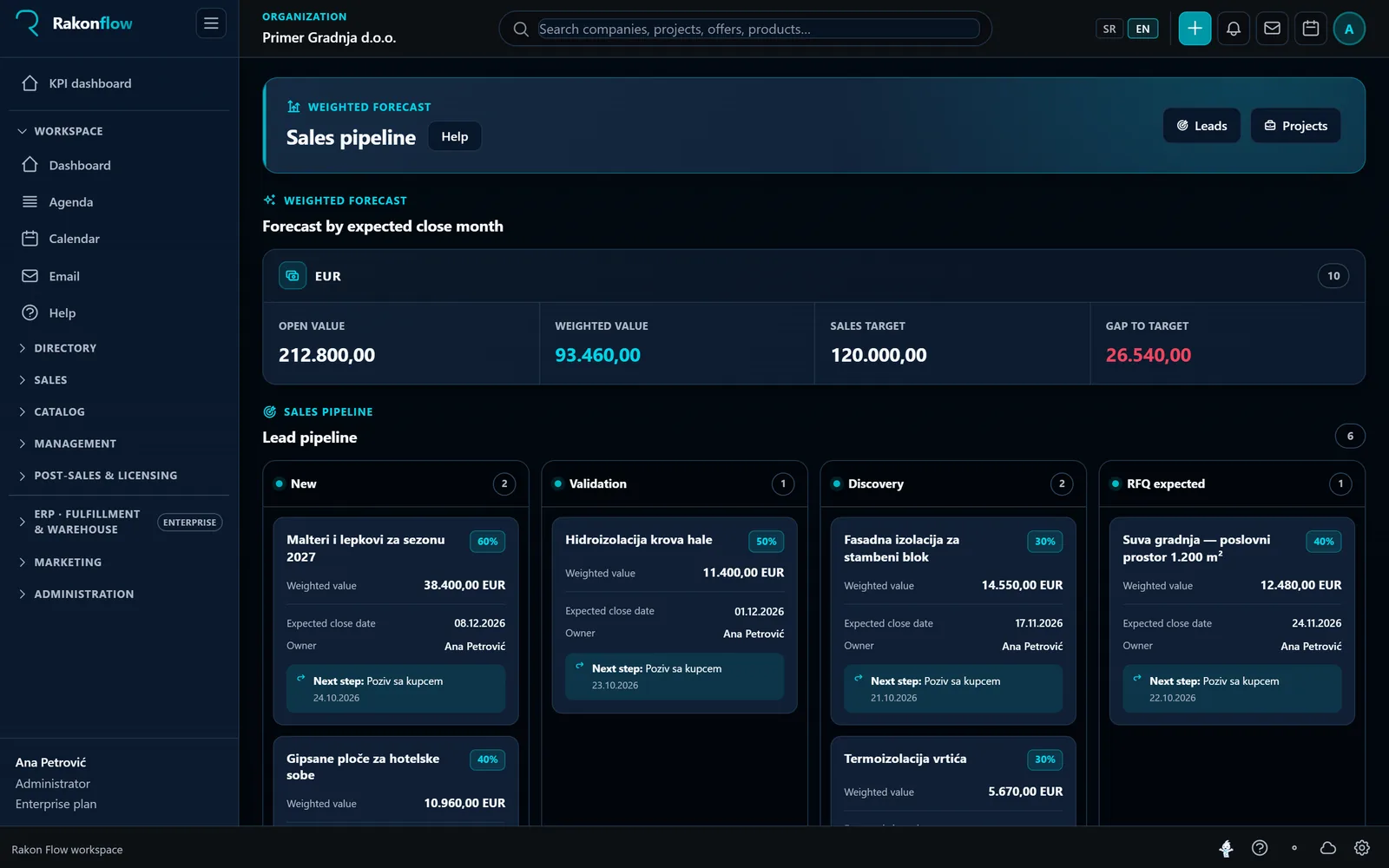
Track every signal, lead, next activity and quote without asking “who last spoke to the customer?”
Rakon Flow is a business application for small and midsize B2B teams selling products, services or projects. It connects customers, opportunities, quotes, activities and delivery so the whole team works from the same context.
When a sale takes several steps, involves several people and must be handed over to operations, a simple directory or spreadsheet quickly stops being enough.
Track every signal, lead, next activity and quote without asking “who last spoke to the customer?”
Connect brands, catalog, vendor pricing, calculations and the quote document to the same project.
See the real pipeline, accountability, deal value and next step — without manually merging reports.
Flow is not tied to one industry. Product and vendor specifics are set up in the catalog, and the sales flow stays the same.
Quotes per project and site, a large number of items and vendor price lists that change often.
Contracts with institutions and pharmacies, regulated prices and margins, lot and expiry date on every item.
Equipment, licenses and subscriptions in the same quote, quotes from several manufacturers and contract renewals.
Quotes for labour and materials, several people on the same job and a handoff to delivery without re-entry.
The main flow runs left to right. Click or tap a card to see what the process does and what it connects to.
Click or tap a card, or select it with the keyboard and press Enter, for process details.
Customers, partners, vendors, contacts, decision makers and their roles.
Goods, services and subscriptions, with partner terms and the people responsible.
Price lists, vendor prices, currencies and customer terms.
Warehouses, locations, lots and available stock.
The source of products, partner programs and commercial rules.
Building materials, medicines, equipment or software — different products share the same sales flow.
Products and prices enter through checked vendor channels.
Items, item codes, technical data, purchase and sales prices.
Strategic signals and campaigns create opportunities in parallel.
A concrete need, customer, budget, deadline and decision makers.
Team, activities, vendor inquiry and commercial context.
Items, configurations, quantities and technical requirements.
Vendor quotes, availability, exchange rate and purchase price.
Pricing, margin, approval and customer acceptance.
Procurement of goods and services, ownership, payments and documents.
Warehouse, order preparation, shipping or digital delivery.
Amount, document, due date and customer-obligation status.
Payment, job result, margin and renewal.
Campaigns, events, cost per lead, travel, trial installations, demos and internal work.
Cost plan, vendor inquiries, cost of goods, committed spend, margin and deviations.
Procurement, inventory, logistics, labor and cost-to-deliver.
Collection, margin, return on investment, overhead and actual profit.
Calls, email threads, notes, tasks, documents and commercial data stay connected to the company and the specific engagement. A new teammate never starts from zero.
Example: an invented project and customer.
Vendor calculation importedToday · linked to quote OFF-0264
Next customer callTomorrow at 10:30 · owner: Milos R.
Email thread linked to project2 days ago · 6 messages
From everyday sales work to complex quotes and post-sale delivery — in one workspace.
A clean sales intake, statuses and qualification before the team invests its time.
A business directory with relationships, financial context, tags and cooperation history.
A commercial project keeps people, deadlines, quotes and pricing together.
One product catalog and vendor sources for faster, more consistent quotes.
Email, calendar, tasks and notifications follow the record they belong to.
Accepted work continues into procurement, goods receipt and delivery.
The AI assistant uses workspace context to speed up understanding and preparation. A suggestion remains a suggestion — the user confirms the business decision.
Record and activity summaries reduce the time needed to take over a piece of work.
Reach the relevant company, opportunity or context without navigating multiple screens.
Get help preparing a response and organizing the next activities.
Free organizes the first sales stages. Pro runs the full commercial job through an accepted quote. Enterprise adds operational execution after the sale.
Both, through one workflow. Free and Pro cover commercial work from signal to accepted quote. Enterprise continues the same work into procurement, receipt and delivery.
Small and midsize B2B companies selling products, services or projects across several steps, where sales, product, procurement or operations participate in the same engagement.
No. Free has no time limit, requires no card and supports up to 10 users. It includes the directory, signals, leads, activities and the core workspace.
Pro includes everything needed to complete the sale, including projects, quotes, pricing and the catalog. Enterprise adds Operations — executing the work after an accepted quote.
Yes. Pro supports company CSV import, product catalog import and vendor Excel calculations. Migration scope depends on the structure of your existing data.
No. Flo accelerates finding, summarizing and preparing work, but business changes and decisions remain under user control.
Open a free workspace and start with companies, signals and leads. When the team needs projects, quotes or operations, extend the same workflow.